New Cutline is now on iPhone


Bold, word-by-word captions for your videos. Made on your Mac or your iPhone, edited to the word, styled your way.

Free for 14 days. Then pay once. No subscription.

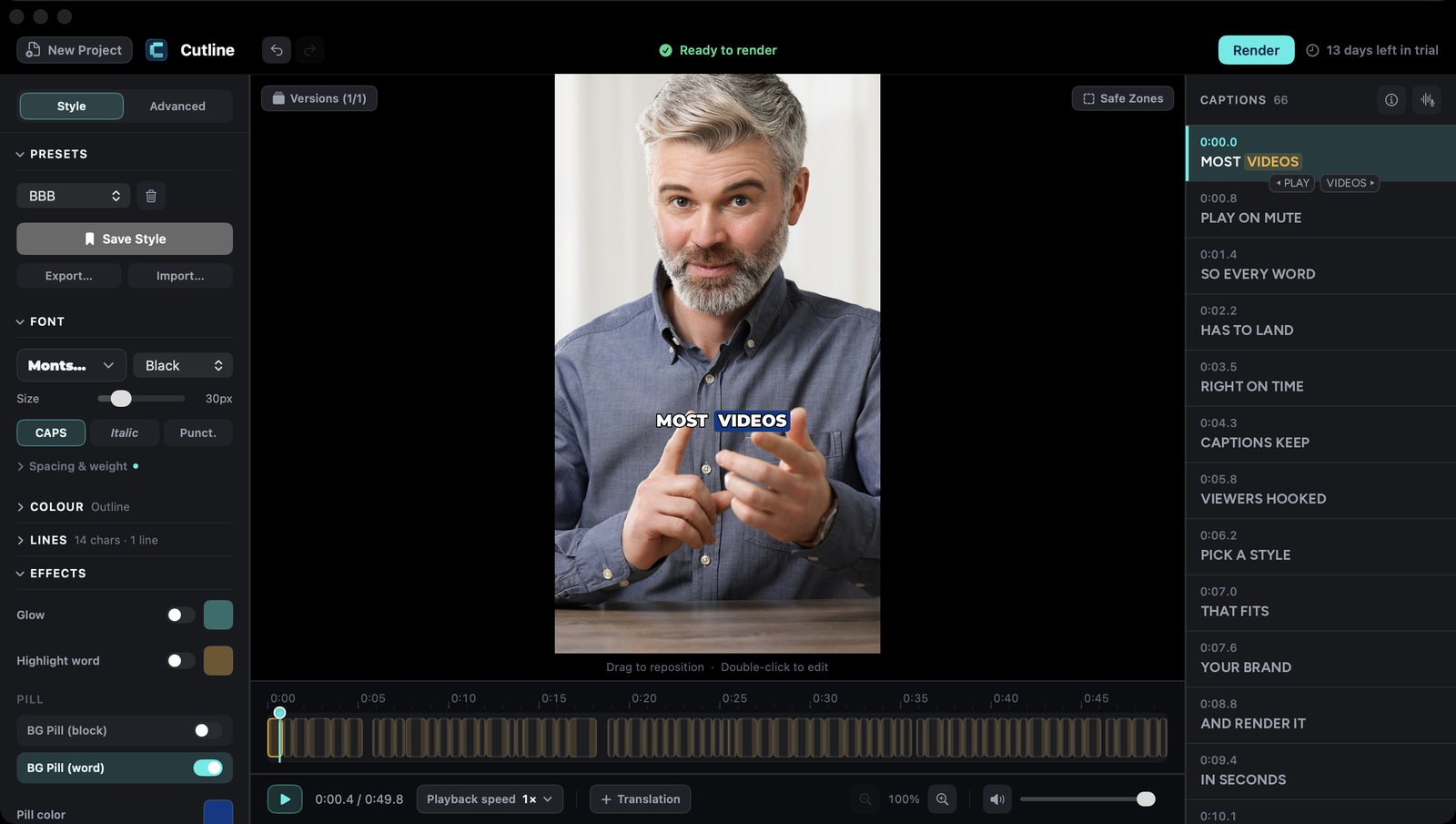
Cutline for Mac: the editor with the caption list, style sidebar and timeline
Cutline for Mac
New: Cutline for iPhone

Now in your pocket.

Caption, style and render right on your iPhone. Turn on iCloud sync and your projects and saved styles open on your Mac too.

Caption, style, render.Straight to Photos, on your iPhone.
Design your own style.The full Style Editor, in your pocket.
Styles

One video.
Every look.

Start from thirteen ready-made styles, then make one that's yours. Here's the same clip in six of them.

Hype
Marquee
Varsity
Billboard
Bulletin
Hardcut
What's inside

Everything a caption needs.

On your Mac

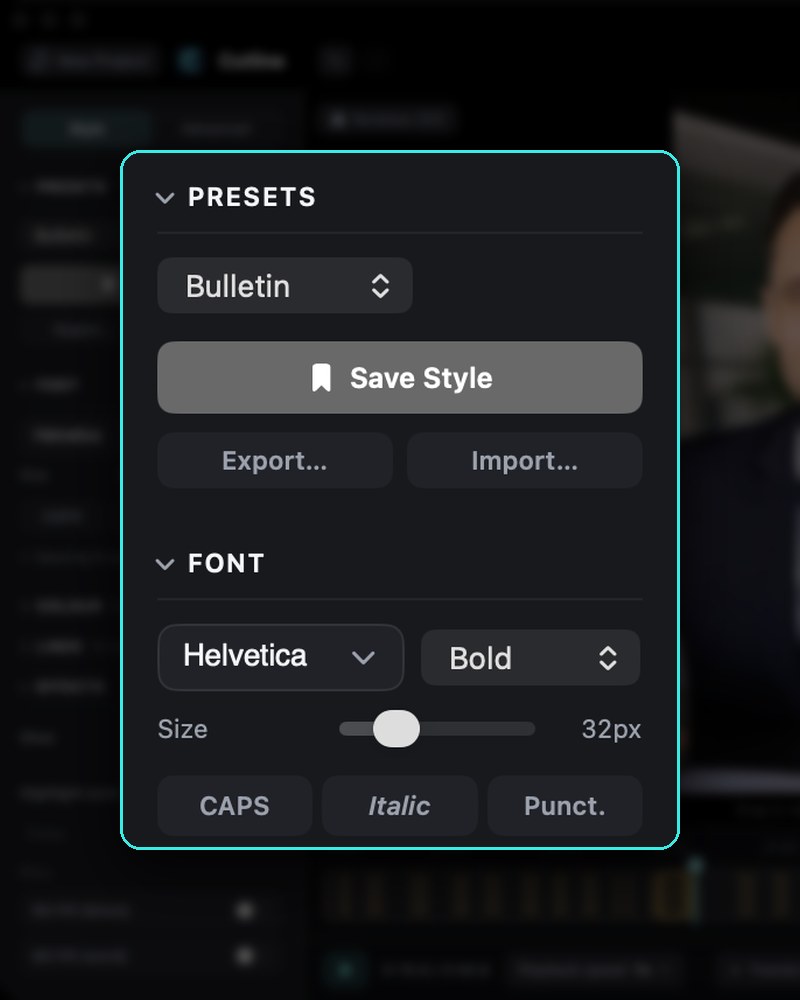
The Style tab in Cutline for Mac: presets, Save Style and font settings
Style editorStart from a preset, change anything, and save it as your own style.
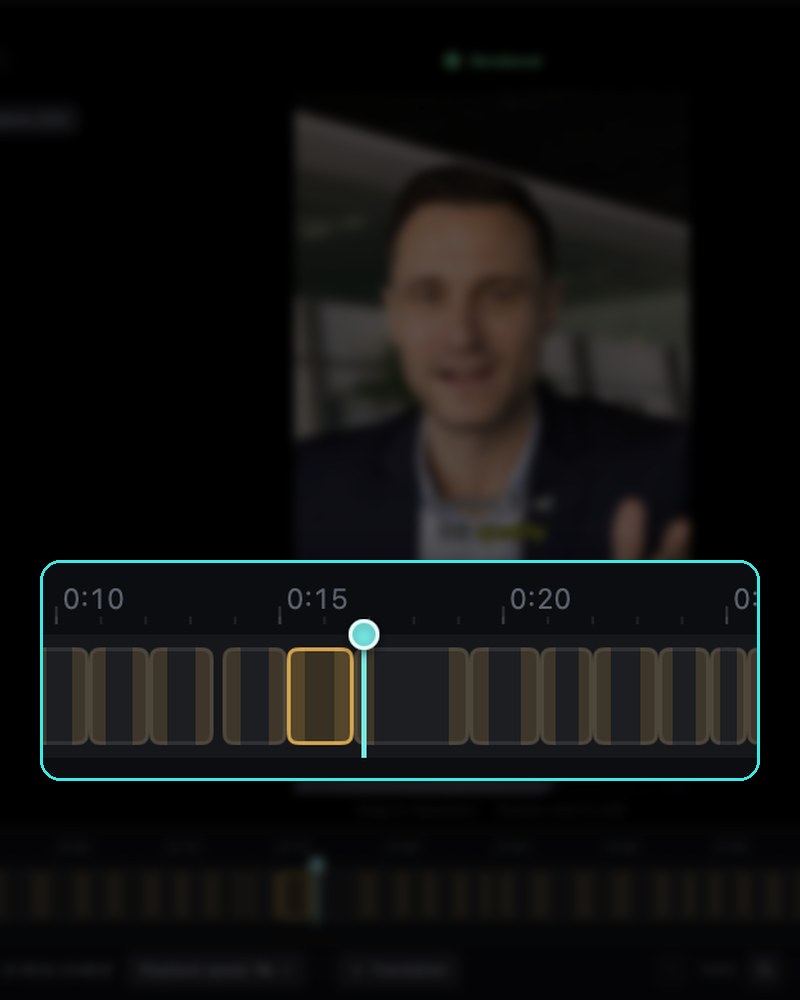
A caption on the video above its block on the Cutline timeline
TimelineEvery caption is a block. Cut, join and retime it right on the timeline.
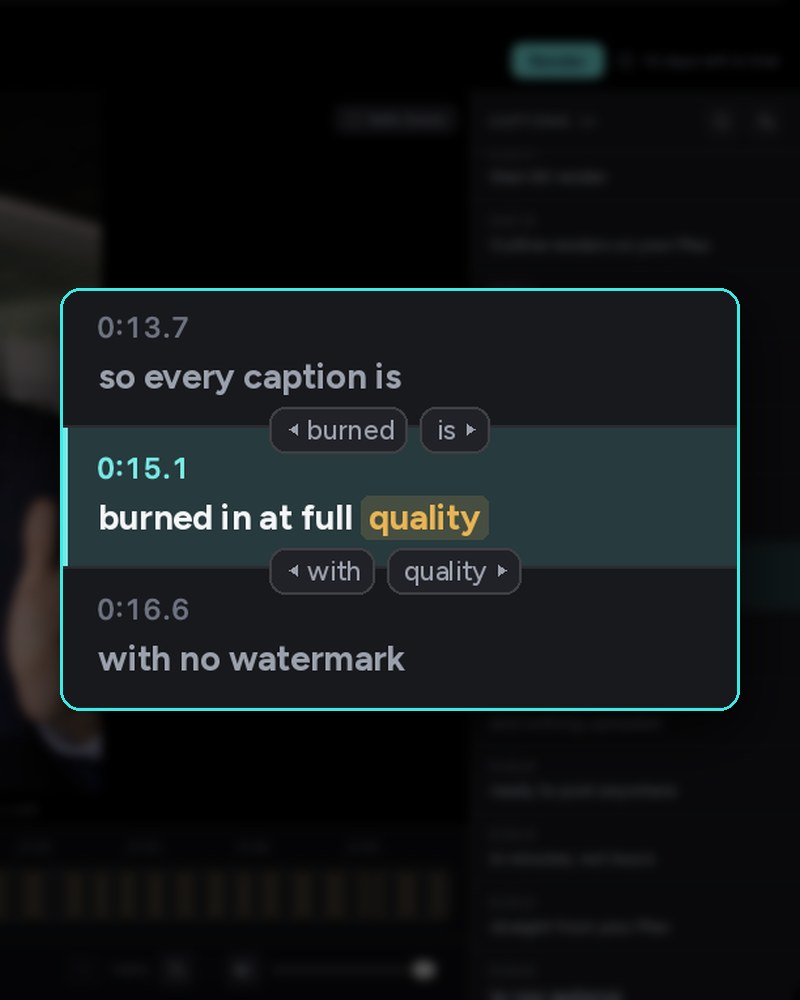
The caption list in Cutline for Mac, with one caption selected
Caption editorFix any word and the timing stays put. Move words between captions.

On your iPhone

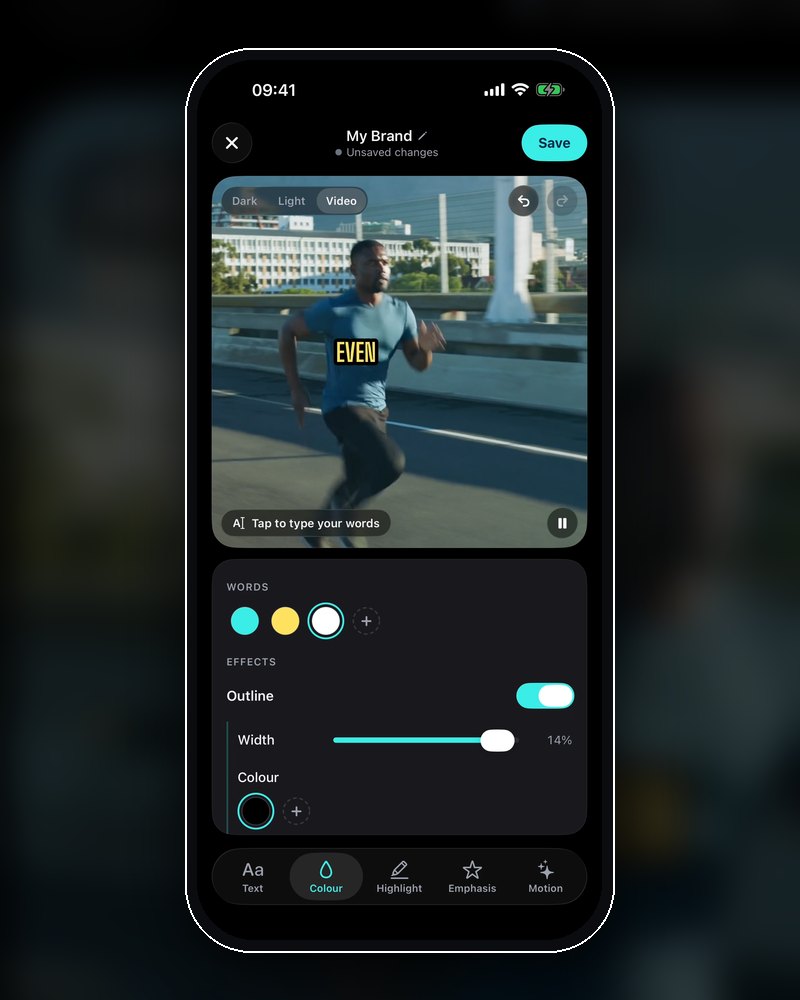
The Style Editor on iPhone, Colour tab
ColourWord colours, outline, glow and shadow.
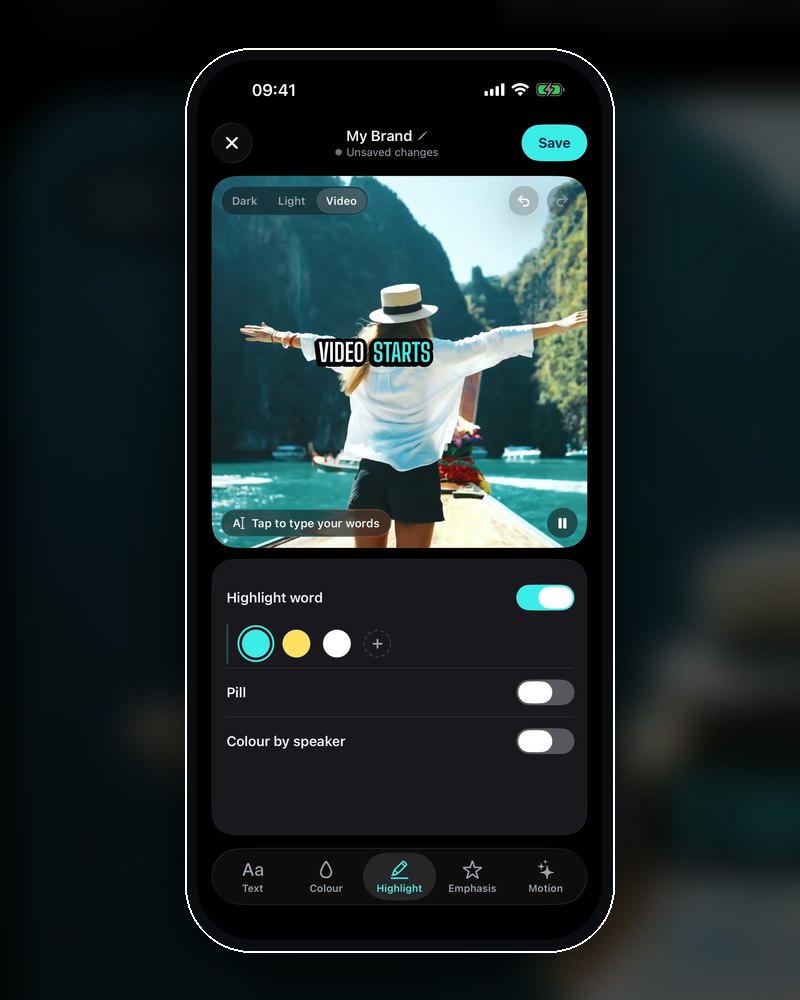
The Style Editor on iPhone, Highlight tab
HighlightThe word being spoken lights up, with or without a pill.
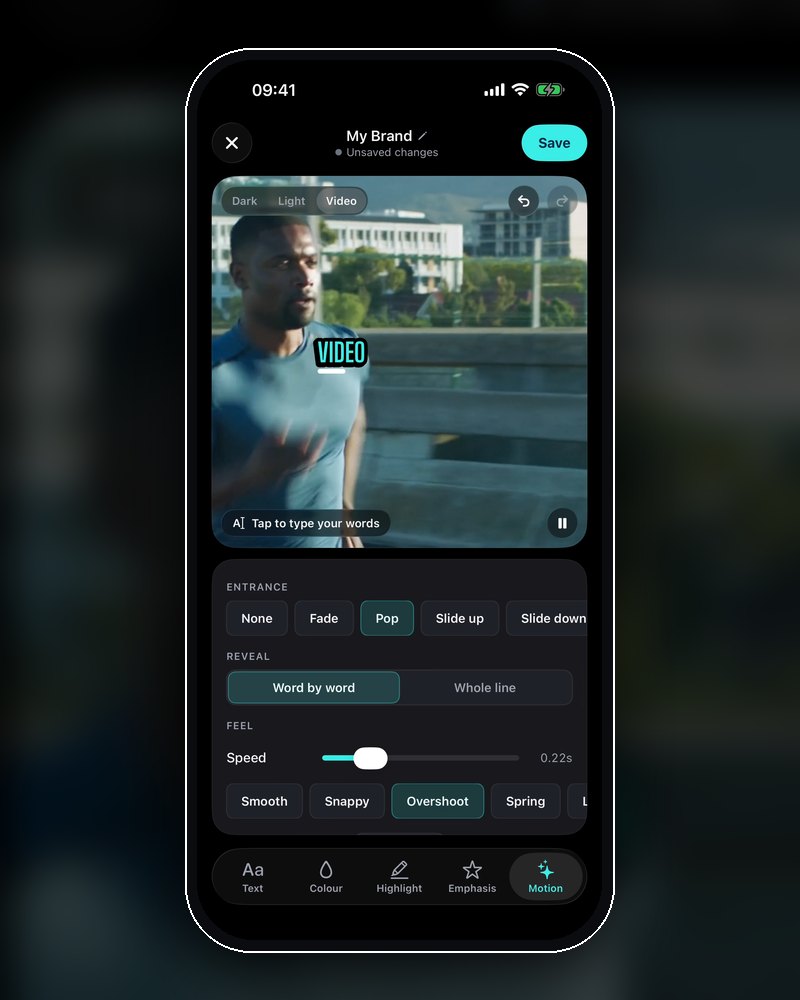
The Style Editor on iPhone, Motion tab
MotionChoose how words arrive: fade, pop or slide.
Private by design

Transcription, translation and rendering all happen on your device. Nothing is sent to us. No account, no tracking.

With iCloud sync on, your projects are kept in your own iCloud Drive so they open on your Mac and iPhone. Turn it off and they stay where you made them.

Pricing

Pay once. Own it.

Try every feature free for 14 days on each device. Nothing is charged when the trial ends.

Cutline for iPhone
$14.99 once
For captions on the go.
  • Every feature on iPhone
  • Style Editor and 13 ready-made styles
  • Render straight to Photos
  • Add the Mac later for $24.99
Download on theApp Store
Cutline for Mac + iPhone Both apps
$39.99 once
Both apps, one purchase.
  • The full Mac editor: timeline, scenes and speakers
  • Cutline for iPhone included
  • Projects and styles sync through your iCloud
  • Any font on the Mac, burned in up to 4K
  • Family Sharing, up to six people
Download on theMac App Store

Bought Cutline for Mac before? The iPhone app is included. Prices in US dollars; the App Store shows yours.

Is my video uploaded anywhere?

No. Captions, translation and rendering happen on your Mac or iPhone, and nothing is sent to us. If you use iCloud sync, your projects are kept in your own iCloud Drive so they open on both devices.

Do I need both apps?

No. Each works on its own. Together, your projects and styles follow you from one to the other.

What happens when the trial ends?

Nothing is charged. Editing and previewing stay free; rendering needs the unlock. Each device has its own 14-day trial.

Which languages does it support?

English works straight away. Download the free Language Pack for about 99 more, with automatic detection. Hebrew and Arabic read right to left. Translated lines use Apple's on-device translation.

What do I need?

A Mac with macOS 14 or later (Apple silicon is fastest), or an iPhone with iOS 18 or later.
Your next video deserves better captions.

Free for 14 days. Then $14.99 for iPhone, or $39.99 for Mac and iPhone together.